Manage multiple AI agents,
effortlessly

A blazing fast orchestrator for AI coding agents and terminal workflows, all in one place. Works in any terminal emulator or IDE.

curl -4fsSL https://agentmux.app/install.sh | bash

Requires tmux. Supports macOS, Linux, and WSL.
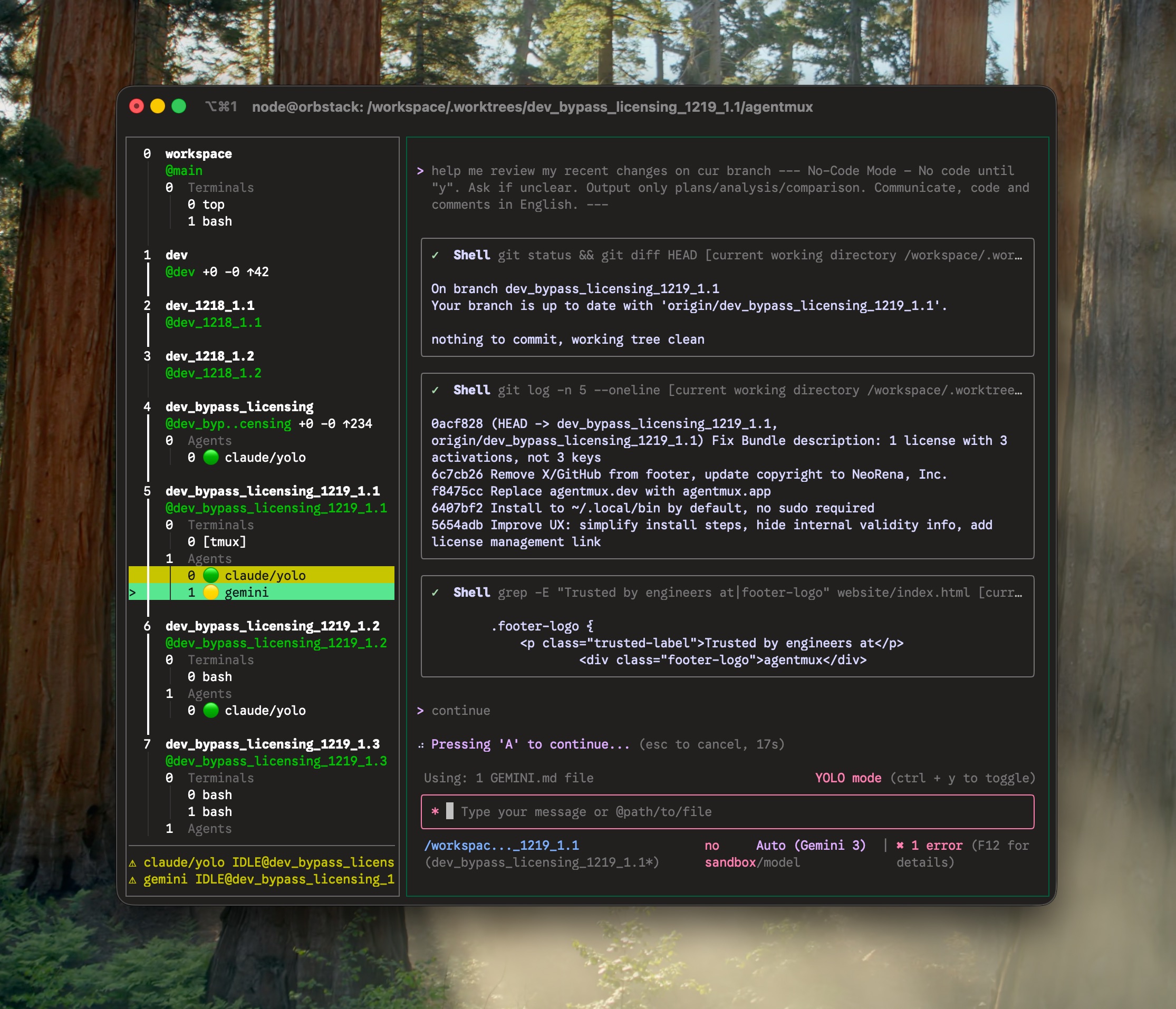
agentmux TUI screenshot

Works with any coding agent CLI

Claude Code
Codex CLI
Gemini CLI
Aider
OpenCode
and more

Everything you need

Purpose-built for developers working with AI coding agents.

Open as many terminal windows as you want while agents run. Stay in control, intervene anytime.

New licenses are no longer available

If you already have a license, nothing changes: agentmux keeps working on the devices you've activated, and you don't need to do anything.

Questions about your license?

[email protected]

devcontainer config

Share your license across containers with one line.

{
  "mounts": [
    "source=${localEnv:HOME}/.agentmux,target=${env:HOME}/.agentmux,type=bind"
  ]
}

Add to .devcontainer/devcontainer.json

Common questions

How many devices can I activate?
Standard license: 1 device. Bundle: 3 devices. Each activation is permanently bound to that device.
What happens if I reinstall my OS?
After reinstalling, your device ID may change, requiring a new activation. Bundle gives you 3 activations for this reason.
Can I transfer to a new device?
Yes. On the new device, run agentmux activate with the license key you already have.
Can I share Bundle with others?
Yes. Bundle has 3 activations on one license key. Share the key with team members or use all 3 on your own devices.
Why device-bound licensing?
We use a minimal license model to avoid complex device management. Works completely offline after activation.
Which terminal should I use?
iTerm2 (macOS) or Kitty (cross-platform) are recommended. Some terminals may have rendering issues with tmux scrolling.